

 Instagram
  Facebook
  TikTok
  Odnoklassniki
  Twitter (X)
  Reddit
  LinkedIn
  Gmail
Gmail  Other emails
  Steam
Steam  Discord
  Twitch
  Coupons
  AI
AI  Software
  Entertainment / music services
 What To Do After Buying A Digital Profile: Safe First-Day Checklist
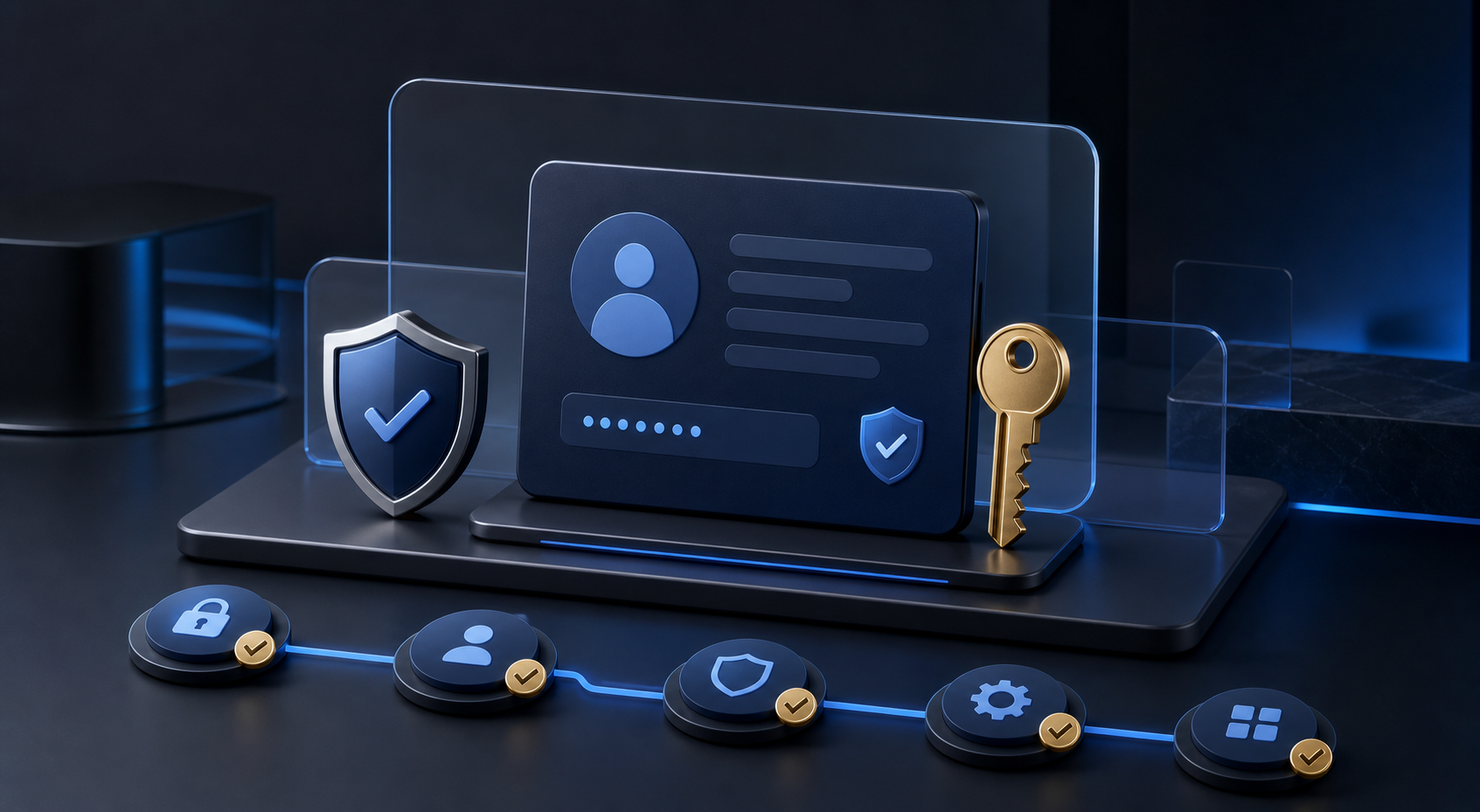
After a purchase, slow down. The first few minutes are for checking delivery, saving the order data, and securing access. This makes it easier to identify a mismatch and contact support within the order terms.
The first 15 minutes
- Open the order. Confirm that the product and quantity match the order.
- Save the delivery. Keep the file and order number in a protected place. Do not publish passwords, codes, or recovery data.
- Check the main login. Use the official website or application. If an error appears, record its exact text and time.
- Review the package. Check whether email access, recovery data, 2FA, or other promised elements are included.
- Run a calm test. Verify the basic function you purchased without a sudden increase in activity.
What to configure next
If platform rules and the product terms allow it, set a unique password and enable available security tools. Keep recovery information separate from the main credentials and store backup codes securely.
| Action | Why it matters | Safe approach |
|---|---|---|
| Change the password | Reduce the risk of unwanted access | Use a long unique password and a password manager |
| Check recovery | Know how access can be restored | Store recovery data in a protected place |
| Enable 2FA | Add another security layer | Keep backup codes separate and private |
| Record changes | Keep a clear setup history | Note the date and action without saving secrets in plain text |
What not to do
- Do not send passwords, codes, or delivery files to public chats.
- Do not change everything at once before verifying the product.
- Do not reuse one password across multiple services.
- Do not try to bypass platform restrictions or verification requirements.
- Do not delete the order details before the verification period ends.
If the data does not work
Stop repeated login attempts and record the order number, exact error, time, and what failed. Do not include open passwords or security codes in the request.
Create a request through the support form. If you are still choosing a product, start with the digital profile selection checklist.
First-day check
Conclusion
Safe work begins with a calm verification, not a large number of actions. Save the order, check the description, secure the access, and contact support with the order number if something does not match.